- Insidr.ai Newsletter
- Posts
- Top AI Advancements, Guides & Tools July 31tst 🙋🏼♂️
Top AI Advancements, Guides & Tools July 31tst 🙋🏼♂️
Top AI Advancements, Guides & Tools July 31tst 🙋🏼♂️

insidr.ai
July 31, 2024
Top AI Advancements, Guides & Tools July 31st 🙋🏼♂️
Hope you are enjoying the summertime! A lot has been going on the space of AI the last few weeks.
Big Tech companies are releasing new LLM’s and AI is being used in the Summer Olympics. Let’s take a look!👇
💡In this newsletter:
AI Guide: Create automations with make + custom made instagram auto-comment bot.
AI Poll: We want your opinion.
AI News & Trends: Big tech creating new LLMs, and AI in the olympics.
AI Tools: Top 5 AI tools this week.
🤖 Create an Instagram Auto-Comment Bot
💡 Automations can really boost your productivity in many areas of your work. One way to save some time, is to automate IG commenting using Make.com!👇
Here is a custom made, ready-to-go template, or “AI bot”, that you can try for yourself.

First go to Make.com and create a Free account.
Next, click here to setup the template/bot. Then click “create new scenario from template”.
Click on the “Instagram for business” tab.
Click “Add” and then “Save”.
Connect your Facebook account → under “Page” you choose the IG account you want to use.
Under Limit → choose how many of the last posts you want the bot to comment on → click “ok”.
Click on the “List comments from your post” tab.
Connect your IG account just like before.
From the “Generate reply” tab, you connect your OpenAI account. If you don’t hav one, click on “add” and click the link under API Key and Organization ID → create and paste it into the tabs.
You can choose the GPT-model you want to use and edit the settings how you like, but you can also leave it as it is → just input your IG name in the “Message Content” tab!
Lastly → From the “Reply on instagram tab” just click “add” and connect your account one last time.
Click “run it once” to start the process.
If you want to automate the process:
For example if you want to run the process automatically every friday at 11pm, then just click the “Every 15 minutes” button at the bottom left.
→ Choose the scenario from the dropdown box
→ Choose the day(s)
→ Choose the time
→ Click ok, then click “save” under “controls” on the right side of the button.
→ Lastly; “turn on” the workflow on the left side of the button, and it will run automatically from now on.
Which section are you here for?Do you read all of our newsletter sections, or just certain parts? |
🛠️ Top AI Tools This Week
👉 Find all the best AI tools in the: AI tools directory.
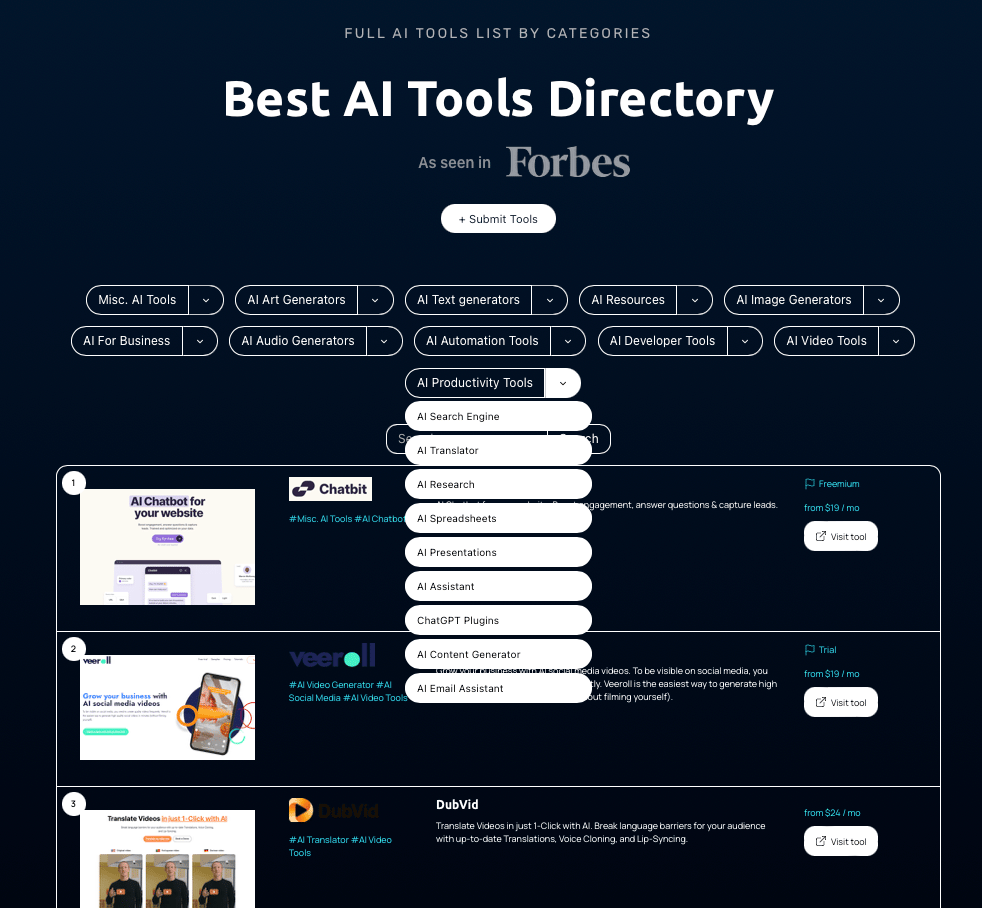
Top 5 AI tools this week👇
+ Relevance AI (Workforce) - Build your AI Workforce Recruit teams of AI agents to complete tasks on autopilot. Grow your business, not your headcount.
﹢ Glean AI (HR) - Put AI to work. At work. The enterprise AI platform for all your company’s data.
+ Media (Content) - Easy Edits, Engaging Videos. Drag-and-drop interface, flexible editing, a vast template library, powerful AI tools, all in your browser.
+Buffer (Assistant) - Create more with Buffer AI Assistant.
+Algolia (Ecom) - Show users what they need with AI search that understands them.
🙋🏼♂️ AI News and Advancements
Meta has unveiled the Llama 3.1 405B, an open-source model that rivals top AI models. OpenAI introduced GPT-4o mini, their most cost-effective model with new safety features and enhanced control for enterprise users.
Google now has exclusive access to recent Reddit data and has enhanced the Play Store with AI-driven search suggestions and app comparisons. Apple released a series of open-source AI models on Hugging Face.
xAI announced the Memphis Supercluster, expected to accelerate training for Grok 3. Adobe launched new AI tools for Illustrator and Photoshop. Android users can chat with Gemini without unlocking their devices.
Perplexity integrated Llama 3.1 405B on Perplexity Pro and introduced voice mode on iOS and Android. Lambda introduced 1-Click Clusters for short-term GPU access, enhancing high-speed computing accessibility.
Have a great weekend, and we’ll talk soon 🚀
Best Regards,
Lasse Linnes, CEO Insidr.